
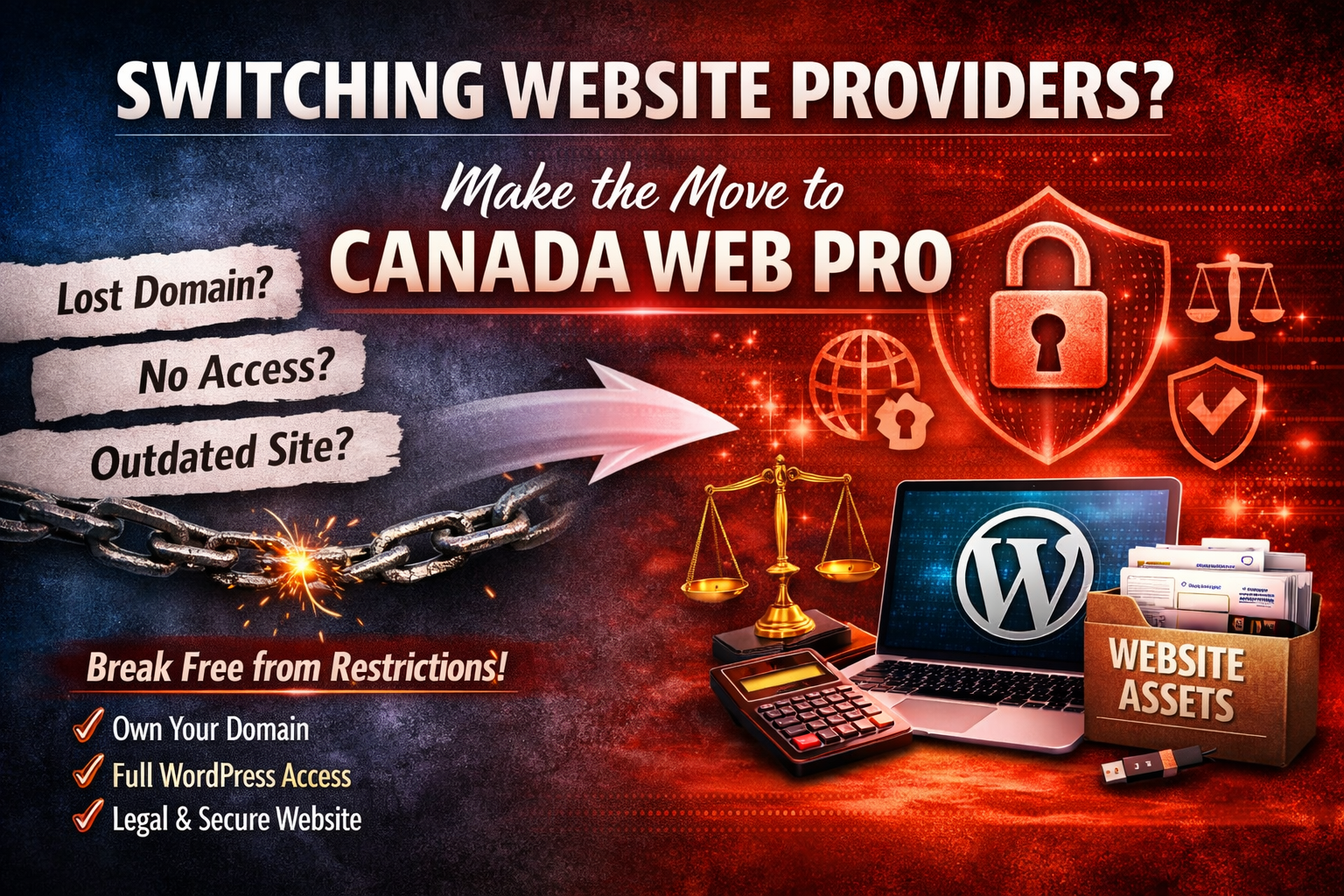
What Happens If I Want to Switch Website Providers?
What Happens If I Want to Switch Website Providers?
Switching website providers should be simple — but for many small business owners, it just isn’t. The process depends entirely on what you actually own and what access you were given when your website was built. If you don’t have control of your domain, hosting, or WordPress admin, switching providers can range from mildly inconvenient to impossible without a redesign from the ground up.
This guide explains what happens when you want to move your website, what access you need, and what to do if you don’t have it.
1. Do You Have Access to Your Domain Registration?
Your domain (yourbusiness.ca) is the foundation of your entire online presence. If you don’t control it, you don’t control your website.
What you should have:
- Login to your domain registrar (e.g., GoDaddy, Namecheap, Rebel, etc.)
- Ability to update DNS records
- Ability to transfer the domain to another registrar
- Your name or business listed as the registrant
What happens if you don’t have access:
- You cannot move your website to a new host
- You cannot update DNS to point to a new provider
- You may lose the domain if the designer stops renewing it
- You may be forced to rebuild the site on a new domain
If the current provider refuses to release the domain, you may have to start from scratch with a new domain name — a costly setback for SEO, branding, and email continuity.
2. Do You Have Access to Your Hosting or cPanel?
To switch providers, you need access to your hosting account or cPanel. This is where your WordPress files, database, email accounts, and backups live.
What you should have:
- Full cPanel access (or equivalent hosting control panel)
- Ability to download backups
- Ability to migrate files and databases
- Access to email accounts if hosted on the server
What happens if you don’t have access:
- You cannot migrate your website
- You cannot export your database
- You cannot move email accounts
- You may have to rebuild the entire site from scratch
Many small business owners discover too late that their designer hosted everything under a single master account, leaving them with no control and no portability.
3. Do You Have Full WordPress Admin Access?
WordPress is portable — but only if you have full admin rights.
What you should have:
- Administrator‑level login
- Ability to install plugins
- Ability to export content
- Ability to manage users
- Ability to access theme and plugin settings
What happens if you don’t have admin access:
- You cannot export your content
- You cannot install migration tools
- You cannot update plugins or themes
- You cannot secure or maintain the site
- You may be locked into the provider’s ecosystem
Without admin access, you’re not managing your website — you’re renting it.
4. What If You Can’t Get Access?
If you cannot obtain:
- Domain access
- Hosting/cPanel access
- WordPress admin access
…then switching providers becomes more difficult.
In many cases, the only realistic option is:
- Register a new domain
- Set up new hosting
- Rebuild the website from scratch
This is why ownership and access matter more than design alone.
5. How Canada Web Pro Handles Ownership and Switching
Canada Web Pro is built on a simple principle: your website should belong to you, not your provider.
Every project includes:
Full Ownership
- Domain registered in your name
- Hosting account you control
- Full WordPress admin access
- Transparent licensing for themes and plugins
Full Access
- cPanel or hosting control panel access
- Database and file access
- Exportable backups
- No proprietary systems or lock‑ins
Legal and Compliance Support
- Custom privacy policy
- Terms of Service
- Accessibility‑aligned structure
- Clear documentation for all assets
Design and Structure
- Clean, scalable WordPress builds
- SEO‑ready architecture
- Mobile‑first layouts
- Conversion‑focused content structure
If you ever choose to switch providers, everything is already in your name — making the transition smooth, fast, and fully under your control.
Final Thoughts
Switching website providers should never require rebuilding your entire online presence. If you have full ownership and access, moving your site is straightforward. If you don’t, the process becomes risky and expensive.
The best time to secure ownership is before you need to switch — but the second‑best time is now.
If you want help reviewing your current access, recovering your assets, or rebuilding a site you don’t fully control, Canada Web Pro provides clear, practical solutions built for long‑term independence.
Contact Don, he is the owner of Canada Web Pro and has helped many customers out of bad situations they find themselves in because of un-ethical designers and web hosts, even some holding YOUR web assets hostage! He has seen it all over his 30 year career and he knows what to do to get on on the right track, and re-gain full control of your web assets.